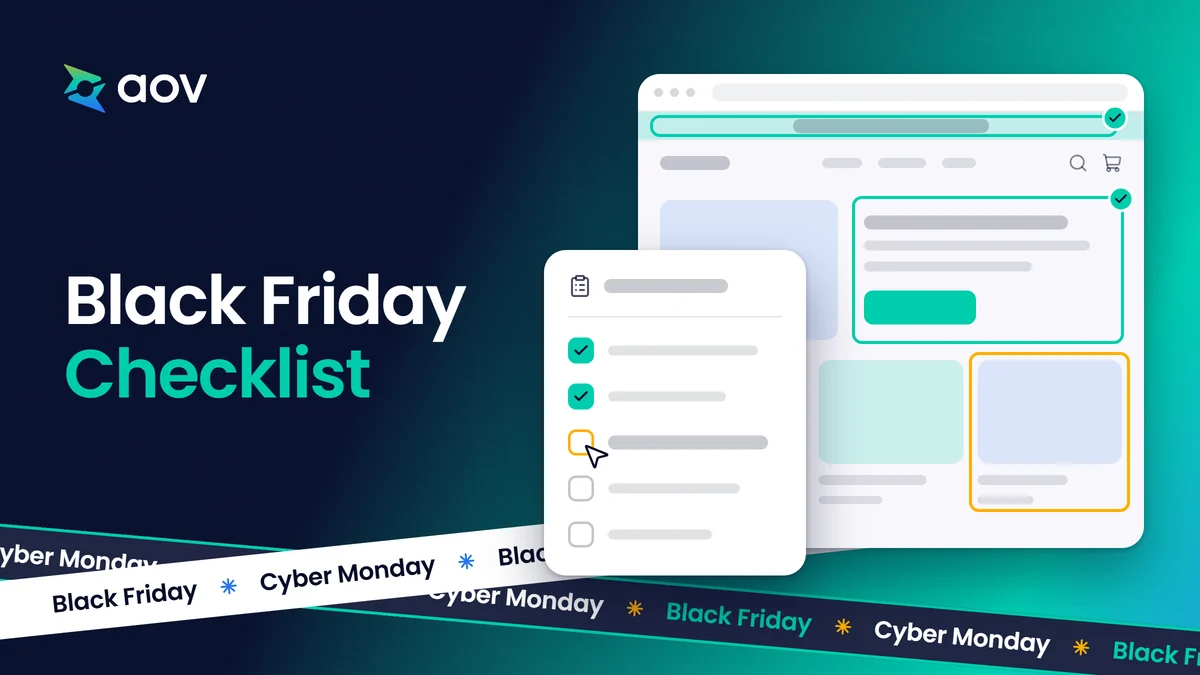
Black Friday 2026 is on Friday 27 November. This BFCM checklist starts with five checks for your online store, then lists the tasks for each week until the sale ends. If you start late, do the five checks first, then continue from the week you are in. BFCM is short for Black Friday Cyber Monday: here is what BFCM means. You can also get this checklist as a free PDF.
Do These 5 Checks First
If you have little time, do these five checks before any other task. The examples use Shopify. You can do each check yourself, and we note where a developer may help.
- Test your offer at checkout, with a product in your cart. A discount that fails at checkout can stop the order.
- Buy a product on your phone, with a test order. Shopify says most BFCM traffic comes from phones.
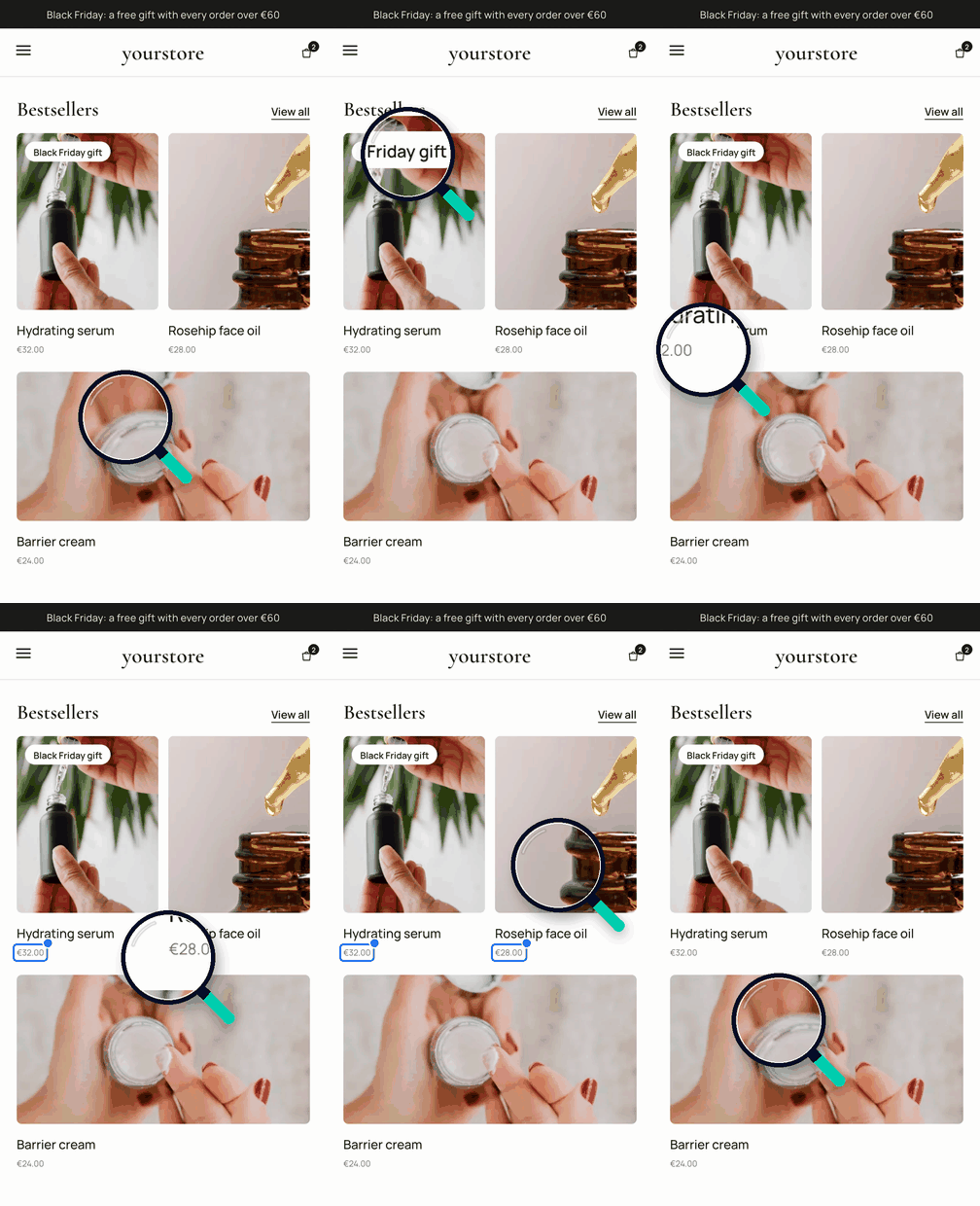
- Show the offer on home and product pages, in the theme editor. Customers should see the same offer and price on every page.
- Make shipping and returns easy to find, on your FAQ page. Customers should know the shipping time and the return policy before they pay.
- Confirm stock and customer support, with your team. You can sell only the stock you have, and every question needs an answer.
1. Test Your Offer at Checkout
Add a product to your cart and check that the discount is applied at checkout. Shopify says to test both discount codes and automatic discounts. Then check the dates of each discount. A discount has a start date, and you can set an end date so it stops when your sale ends.
2. Buy a Product on Your Phone
Place one order on your phone, from the product page to the confirmation email. Shopify has a test mode for payments. You aren't charged for orders you place in it, as its guide to test orders explains.
End test mode right after the test, because customers can't place real orders while it's active. You can also place a real order, then cancel and refund it, but your payment provider may charge a fee.
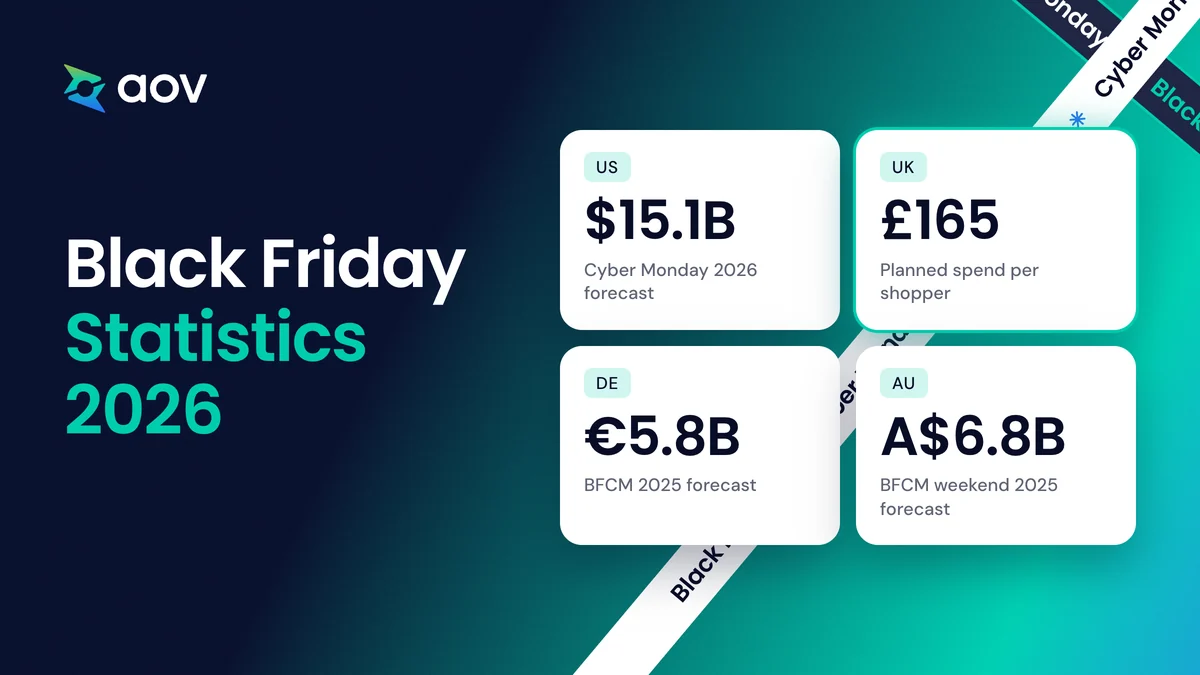
Our Black Friday statistics show how much of the sale now comes from phones.
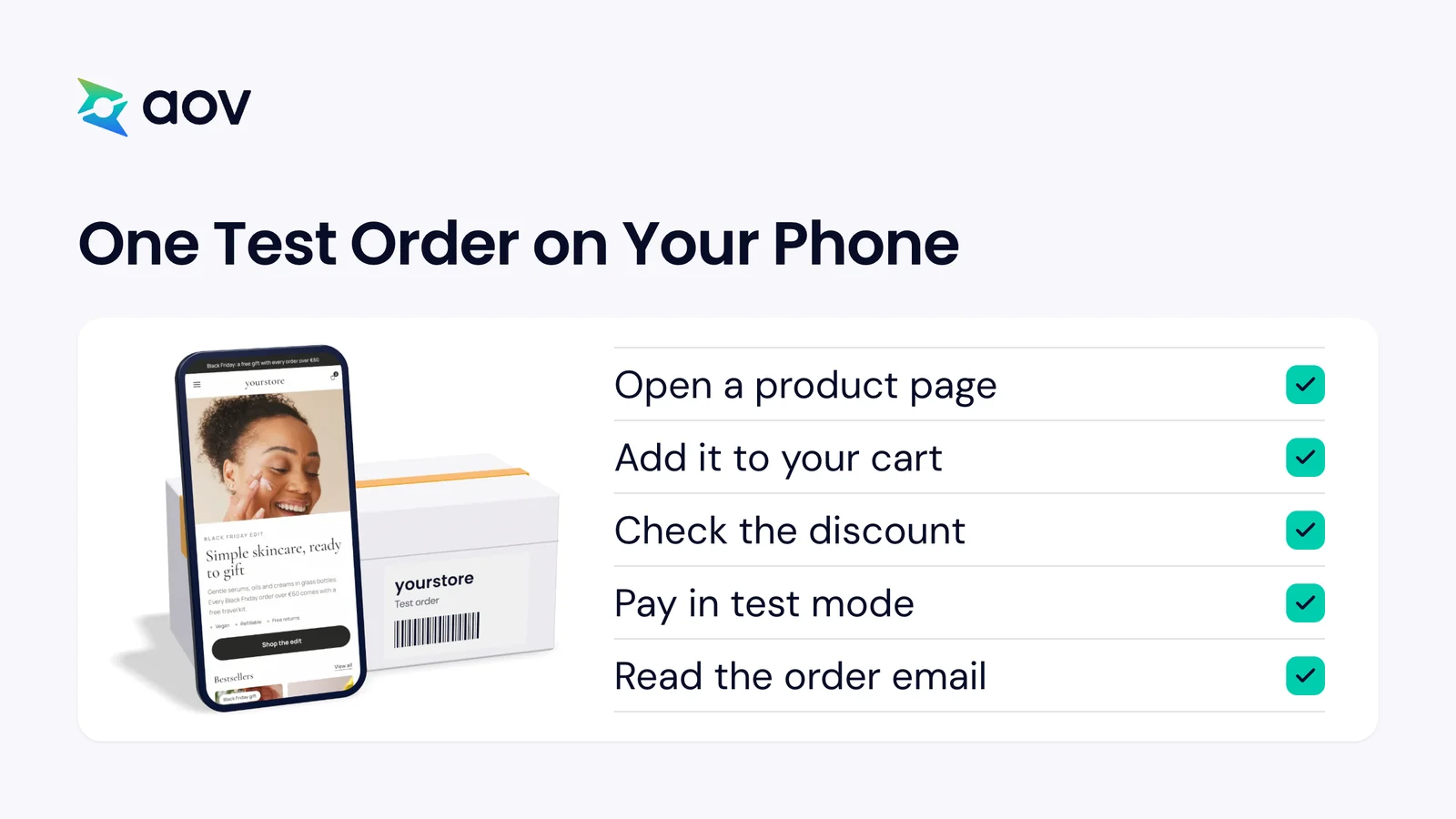
3. Show the Offer on Home and Product Pages
Open your home page and one product page the way a customer would. The offer, the price, and the end date should be the same in every place. The theme editor in Shopify lets you update your home page without writing code.
You can also use its mobile preview to see each page as it looks on a phone. If the editor can't make a change you need, contact the developer of your theme.
4. Make Shipping and Returns Easy to Find
Before they pay, customers should find two answers easily: when the order arrives, and how to return it. Update your FAQ page with your shipping times, your return policy, and the terms of the sale. Then show the shipping time again at checkout, so customers know when to expect their order.
5. Confirm Stock and Customer Support
Check the stock of every product in your offer. Shopify notes that ordering stock often needs to start months before the sale. If you can't order more now, build your offer around the stock you have. Then decide who answers customers during the sale, and send a test message through your contact form.
These five checks apply to most online stores. To see what your own store needs, you can also get a free Shopify store audit from AOV.ai.
Get the Checklist as a Free PDF
Want this list on paper? The full Store Checklist is a PDF with 55 tasks, from before the sale to after Cyber Monday. It comes in our free BFCM 2026 kit with five more guides, and you get it by email.
Get the free Black Friday checklist PDF
The 55-task Store Checklist, plus 24 free gift ideas, a 15-step campaign workbook, 15 AI prompts, 6 email templates, and 9 popup games.
We email you the kit and up to 3 short tips. You can unsubscribe at any time. Privacy policy
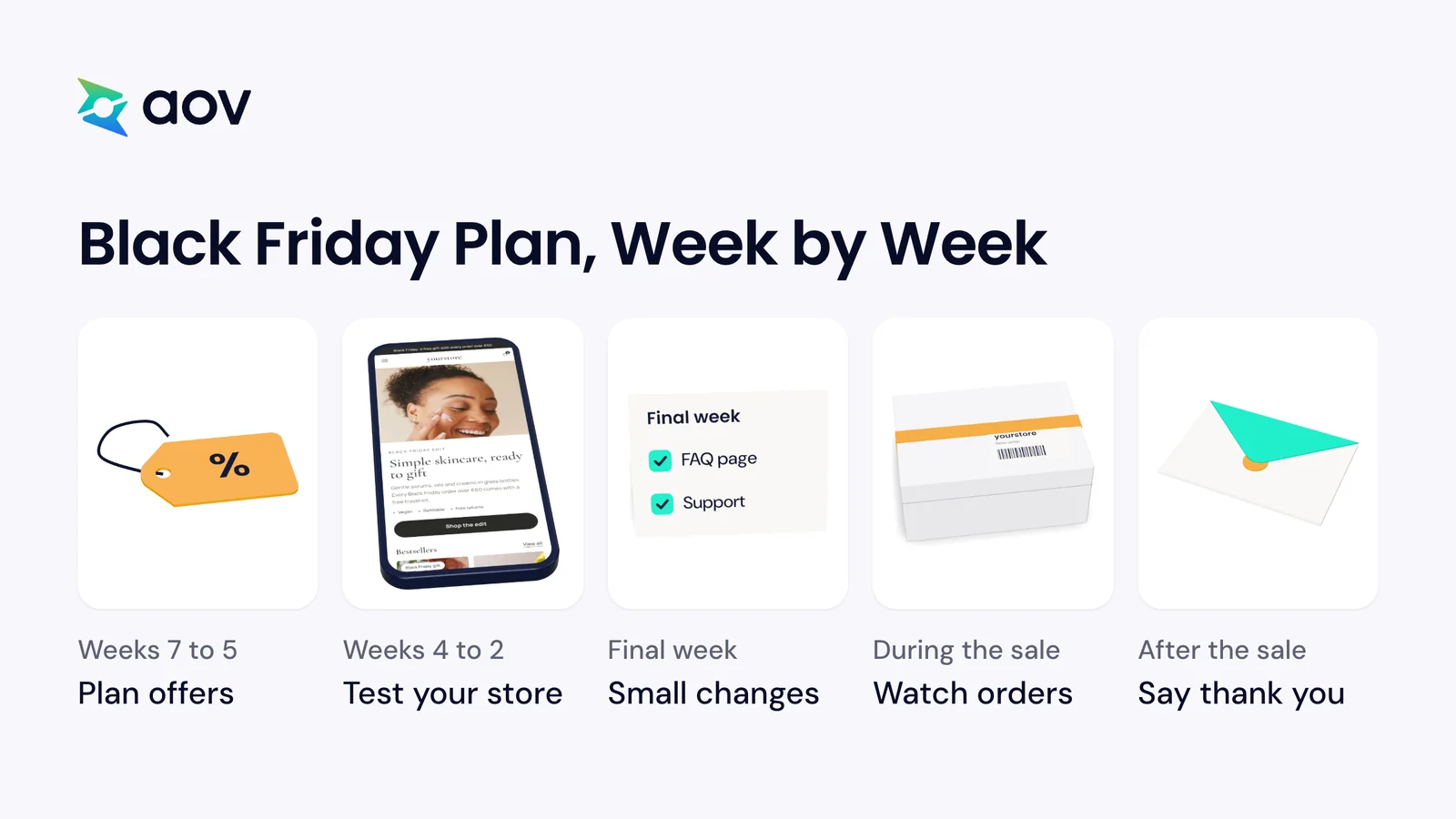
Weeks 7 to 5: Plan Your Offers and Pages
With seven to five weeks left, decide your offer and prepare the pages that will show it. In its own checklist, Shopify says ecommerce stores should start by early autumn, or the beginning of November at the latest. So with seven weeks left, you still have time for every task in this list.
- Choose your offer and its dates. For ideas, read our Black Friday sale ideas.
- If your offer needs an app, add it now, so you have time to test it. Our best Shopify apps for Black Friday are sorted by store page.
- Choose the products for the offer from the stock you have.
- Create each discount in your admin, with a start date and an end date.
- Selling in the EU? Write down the lowest price of the last 30 days for each discounted product. For a sale that starts on 27 November, prices count from 28 October, as our worked example shows.
- List the pages to update: home page, product pages, cart, and FAQ.
- Before you change your theme, make a copy of it, so you can go back if you need to. In your Shopify admin, this action is called Duplicate.
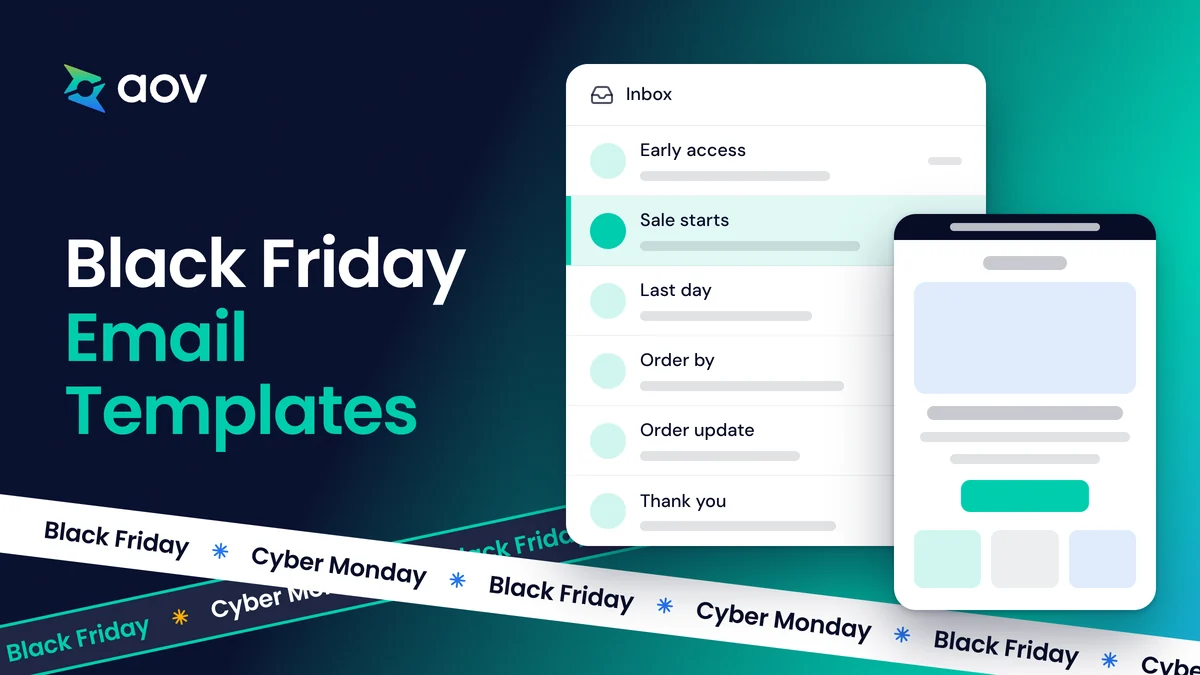
- Write the emails that announce the sale to your customers. You can start from our Black Friday email templates.
Weeks 4 to 2: Test Your Store
With four to two weeks left, test your store from the home page to the order email, and fix what you find.
Shopify hosts your store on fast, global servers. It doesn't limit the data your store can send to visitors, as its guide to store performance explains. So for a busy sale, the part you control is the speed of your pages. The biggest factors are your theme, the apps you installed, and any other code you added to your store.
- Place a test order on a phone and on a computer, and check that the confirmation email arrives.
- Test every discount code and automatic discount at checkout.
- Schedule your sale emails: one to your list before the sale, one when it starts, and one on the last day.
- Open the web performance reports from the Themes page of your Shopify admin.
- Remove the apps you don't use.
- May need a developer: removing an app doesn't automatically remove its code from your theme. Ask the app developer how to remove it.
- May need a developer: if your theme comes from another company and your pages are slow, contact the theme developer or a Shopify Partner.
For the full steps, read how to prepare your store for Black Friday.
What stops customers from buying?
Get a free Shopify store auditThe Final Week: Keep Changes Small
In the last week before the sale, change as little as possible, because there is not much time to test.
- Wait until after the sale to add a new theme or a new app, unless you can test it first.
- If a change is necessary, make it on a copy of your theme, then check the copy before you publish it.
- Decide who answers customers on each day of the sale.
- Prepare short answers to the questions you expect: shipping time, returns, and discount terms.
- Read your FAQ page once more, and correct anything that changed.
Black Friday to Cyber Monday: Watch and Respond
During the sale, watch your orders every day and respond on the same day. The sale period starts on Black Friday, 27 November 2026, and ends on Cyber Monday, the Monday after it, 30 November. We calculated these dates from the official US holiday calendar and the definition from Shopify.
- Check your first orders: the discount is applied, and the confirmation email arrives.
- Watch your stock, and hide products that are out of stock.
- Ship orders in the time you promised, and tell customers immediately if an order is late.
- Answer customer questions on the same day.
- Write down every problem you see, because you'll need this list after the sale.
After Cyber Monday: Review and Thank Customers
After Cyber Monday, end the offer in every place, then review the results of the sale.
- Check that each discount ended on the date you set.
- Remove the sale messages from your home page and product pages.
- Handle returns the way your return policy says.
- Write down what worked and what didn't: the offer, the pages, and the problems.
- Thank your new customers by email.
Check Your Own Store
This checklist is general, so it can't show what your own store needs. At AOV.ai, we offer a free Shopify store audit. It shows you how to make your store easier to buy from before the sale begins.
See what your store needs before Black Friday
Free store audit + BFCM 2026 Toolkit
- Check your whole store
- See what stops customers from buying
- Get 200+ Black Friday tips
Frequently Asked Questions
When Should I Start Preparing for Black Friday?
Start as early as you can. In its BFCM checklist, Shopify says early autumn, or the beginning of November at the latest. If you have less time, do the five checks first, then follow the weeks in this checklist.
How Do I Stop My Store from Crashing on Black Friday?
Shopify hosts your store on fast, global servers, as its guide to store performance explains. Your part is the speed of your pages. Check your theme, remove the apps you don't use, and review any other code you added to your store.
Can I Combine Discounts on Shopify?
Yes, when you allow it for each discount. You select the classes of discount it can combine with: product, order, or shipping discounts. Not every combination is available to every store, so read how discounts combine on Shopify and test your offer at checkout. Our guide on how to prepare your store for Black Friday explains the steps.